
 AI Inspiration World
Added Nov 3, 2026
xiaohongshu-skills(autoclaw-cc)
Lets your AI agent work Xiaohongshu through your logged-in Chrome: search, read notes, post, like and comment.
- Ecosystem
- Agent Skills
- Skill category
- Automation
- Creator / organization
- Auto-Claw-CC(GitHub 组织 autoclaw-cc)
What it is
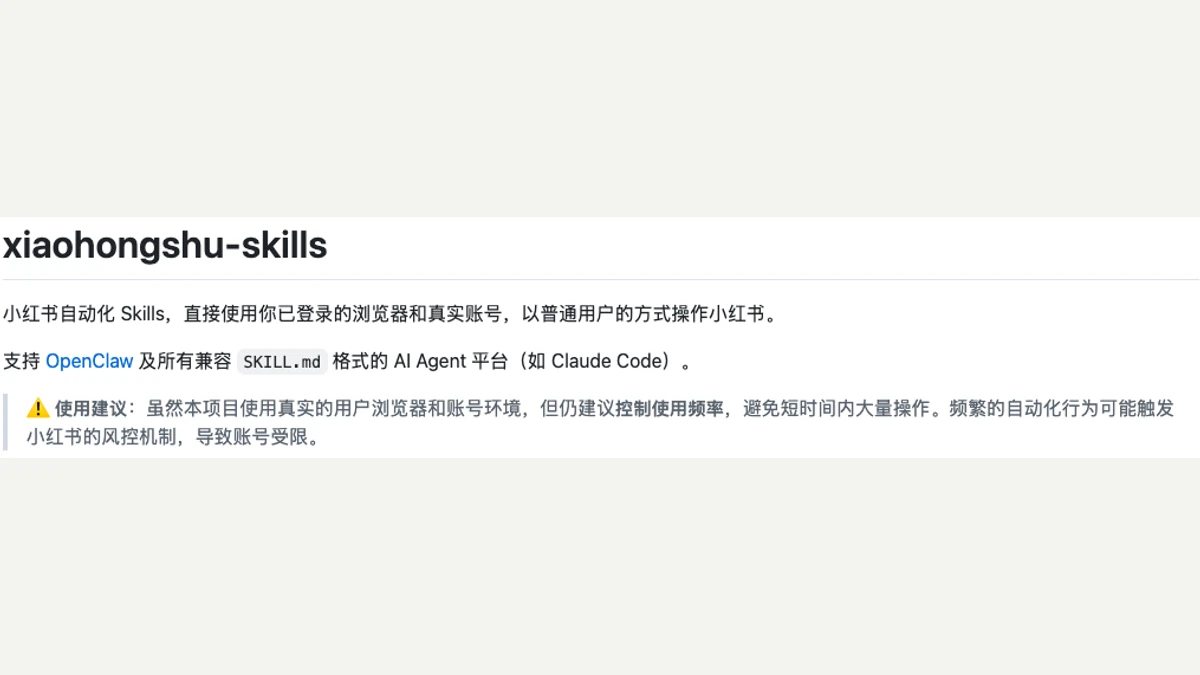
xiaohongshu-skills is a Xiaohongshu Agent Skill from the GitHub organization autoclaw-cc. The README says it works with OpenClaw and with any AI agent platform that supports the SKILL.md format, such as Claude Code. It is made of a Chrome extension and a local bridge program, split into five sub-Skills: login (xhs-auth), publishing (xhs-publish), browsing and search (xhs-explore), interaction (xhs-interact) and content operations (xhs-content-ops). Your agent can read the home feed, search results, full notes and comments, and user profiles. It can also post image notes, videos and long posts, save drafts, schedule posts, and like, collect, comment and reply. It works inside your own Chrome, using the Xiaohongshu account you already sign in with. The homepage link in the Skill files still points to an older repo, xpzouying/xiaohongshu-skills; the author doesn't explain how the two are related.
Who it's for:Developers who run their own Xiaohongshu account and want AI help finding material, reading comments and preparing posts. Readers who don't write code won't get much from it.
Before you start: You need Python 3.11 or later, uv and Chrome. Clone the repo into your OpenClaw or Claude Code Skills folder, run uv sync, then load the bundled extension in Chrome's developer mode. The Skill files list macOS and Linux.
You sign in by scanning a QR code or with a phone verification code, and it then reads your nickname and profile. The extension has permission to read cookies, and your login cookies are saved on your computer at ~/.xhs/accounts/<account>/cookies.json, falling back to cookies.json. It reads the home feed, search results, full notes and comments, user profiles and posts, plus any local text, images and videos you choose to publish. It has no feature for reading DMs or your clipboard. It can post image notes, videos and long posts, save drafts, schedule posts, like, collect, comment, reply, and undo likes and collects. It has no follow feature. The Skill tells the agent to ask you before posting or commenting, but that is only an instruction to the AI; the code itself doesn't enforce it.
When you sign in by QR code, the QR image is sent to a third-party service, api.qrserver.com, to be decoded, and the decoded login link is sent back to it to draw a new QR image. How that service keeps data isn't stated. The extension wakes up roughly every half minute and reconnects on its own. The local bridge keeps listening on localhost:9333 and doesn't check who is connecting.
The agent can post, comment or like without you approving each one, speaking for you from your own account. The diagnostic log (netlog) is off by default; once on, it keeps up to 500 entries that include your full login cookies.
Setup has no curl-to-bash step that runs a remote script, and no paid API is required. If you use these features, weigh your account's safety and the platform's rules yourself. AI Inspiration World is not responsible for any consequences. MIT license.
Based on the project's public documentation. Not tested by AI Inspiration World.