
 AI Inspiration World
Added Nov 14, 2026
TÂCHES Claude Code Resources
A collection of Claude Code commands, skills and subagents for project planning, debugging and task management.
- Ecosystem
- Claude
- Skill category
- Coding
- Creator / organization
- TÂCHES(GitHub glittercowboy)
What it is
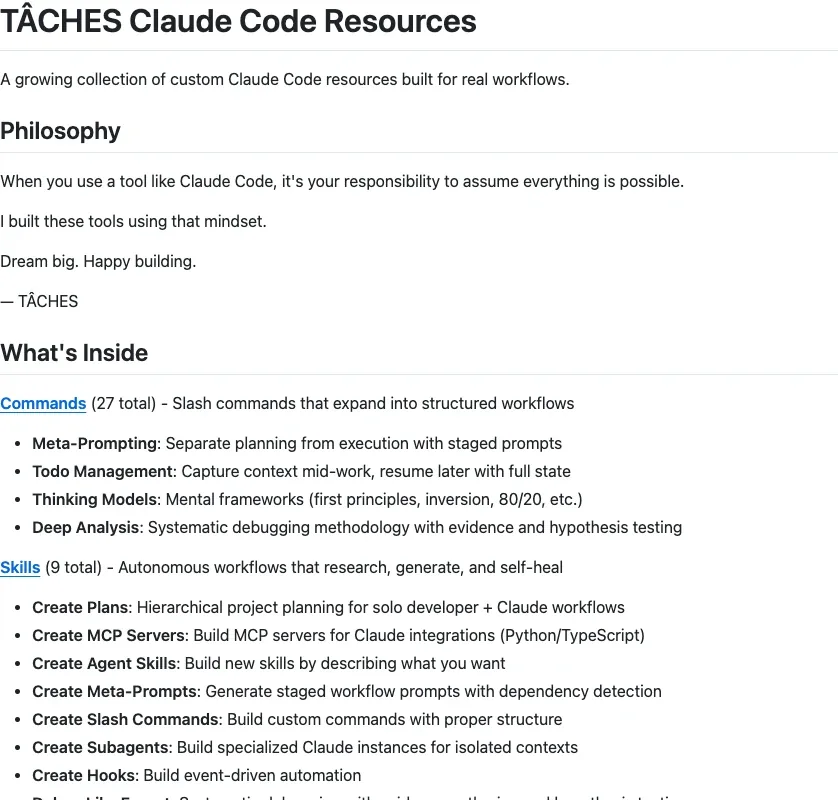
TÂCHES Claude Code Resources is a set of custom Claude Code resources that TÂCHES published on GitHub. The author calls them a collection of favorites that make life easier. The repository has 27 slash commands, 9 skills and 3 subagents, built for real workflows. They are made for Claude Code, and help with planning projects, creating skills, commands, subagents and hooks, debugging and managing tasks. The page also says some workflows research and generate on their own, and can update skills based on problems found during use (/heal-skill).
Highlights:
- One repository holds three kinds of resources: commands, skills and subagents.
- Create Plans offers hierarchical project planning for a solo developer working with Claude.
- Setup Ralph sets up Geoffrey Huntley's Ralph Wiggum autonomous coding loop.
- The page mentions a skill for creating MCP servers, covering OAuth handling and environment variable safety.
How to use:
- First, run `claude plugin marketplace add glittercowboy/taches-cc-resources` in a terminal.
- Then run `claude plugin install taches-cc-resources` and start a new Claude Code session.
- You can also install by hand: git clone the repository, copy the contents of commands to ~/.claude/commands/ and the contents of skills to ~/.claude/skills/.
Who it's for:
Developers who already use Claude Code and want ready-made planning and debugging workflows.
Before you start:
- You need Claude Code installed. The page also mentions Claude Desktop and a community OpenCode port.
- Commands install to ~/.claude/commands/ and skills to ~/.claude/skills/. Project data (prompts, todos) stays in each project's working directory.
- The page does not say what data is read or what permissions are needed, and does not say whether anything is sent online.
- Cost: not stated on the page.
- License: MIT.
Based on the project's public documentation. Not tested by AI Inspiration World.