
 AI Inspiration World
Added Nov 27, 2026
Maven Tools MCP Server
An MCP server that helps AI assistants inspect JVM dependency versions, licenses, and vulnerabilities.
- Ecosystem
- Other
- Skill category
- Coding
- Creator / organization
- Arvind Menon(GitHub @arvindand)
What it is
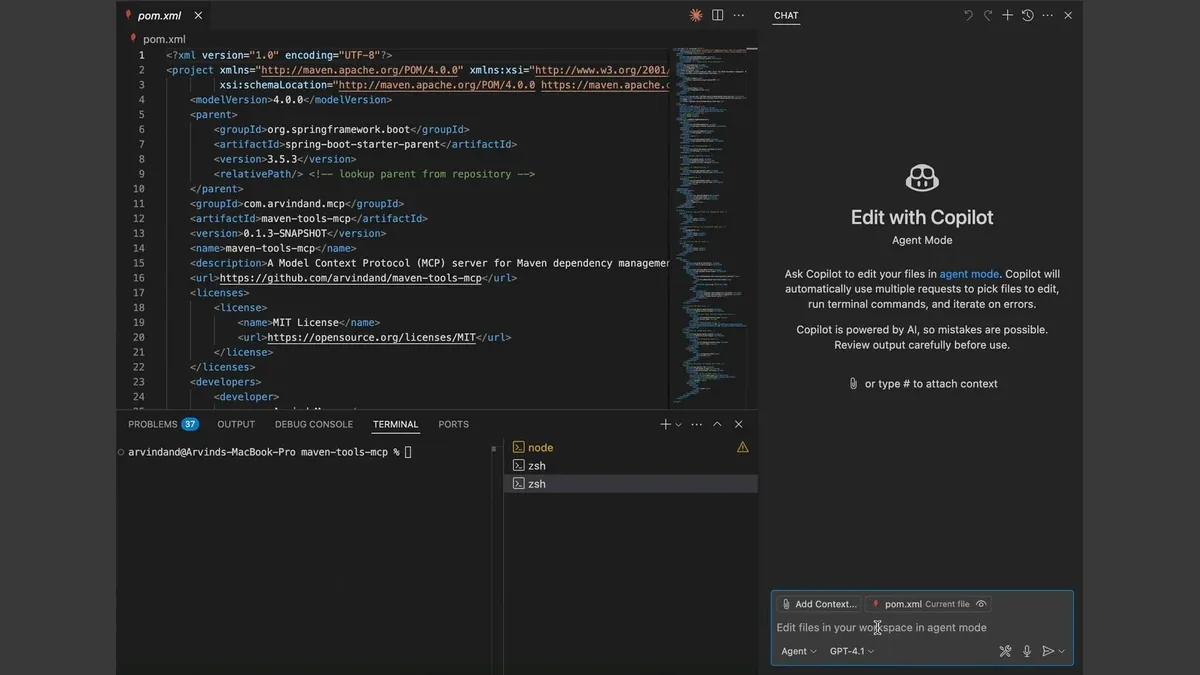
Maven Tools MCP Server is an MCP server by Arvind Menon that lets MCP-capable clients inspect JVM dependencies using live Maven Central data. It compares versions, checks licenses and vulnerabilities, and provides upgrade recommendations. Manual major-upgrade reviews use the GitHub Copilot SDK; routine updates do not require a large language model. The project provides configuration examples for Claude Desktop and VS Code.
Highlights:
- Coordinate-based tools work with Maven, Gradle, SBT, and Mill projects.
- The server can analyze Maven pom.xml files and plan upgrades. The client or agent validates and applies its recommendations.
- Optional Context7 integration supports documentation lookup.
How to use:
Install and start Docker, then follow the project instructions to configure the server in an MCP-capable client.
Who it's for:
Developers who want an AI assistant to help inspect JVM project dependencies.
Before you start:
- The quick start requires Docker but does not require a local Java installation.
- POM analysis tools accept raw POM XML. Uncached metadata queries need access to Maven Central or a configured repository; vulnerability checks and documentation queries also use external services.
- A Context7 API key is optional. The project uses the MIT license.
Based on the project's public documentation. Not tested by AI Inspiration World.