
 AI Inspiration World
Added Nov 19, 2026
h3-fight
A Skill that helps video creators write and check fight-scene prompts for MiniMax H3.
- Ecosystem
- Agent Skills
- Skill category
- Media
- Creator / organization
- huangserva
More images
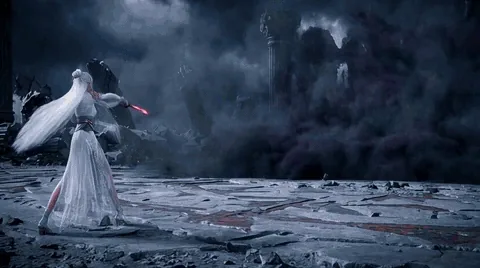
Screenshot from the project's website. All rights belong to the original creator. Contact us if you would like it removed.
What it is
h3-fight is a set of fight-scene prompt-writing tools by huangserva. Install it in Claude Code or Codex, and the AI assistant can select shot blocks, combine sentences and check the resulting prompt. The project also includes a shot-block library and checking tools, with optional video generation through ComfyUI and MiniMax H3.
Highlights:
- Use a library of shot blocks and writing guidance to organize fight scenes.
- Run a check on completed prompts.
- Optionally generate video with ComfyUI and MiniMax H3. The author advises reviewing the footage because it may differ from the prompt.
How to use:
- First, clone the repository into the skills directory for Claude Code or Codex.
- Next, enter the directory, run `pip install -r requirements.txt` and `python3 工具/自检.py`, then restart the assistant session.
- Finally, describe the fight scene to the assistant. To generate video, configure ComfyUI, the model and plugins.
Who it's for:
Video creators who want help organizing fight-scene prompts for MiniMax H3.
Before you start:
Writing prompts requires Python 3.9 or later, but no GPU. Video generation requires ComfyUI capable of running MiniMax H3; post-generation mosaics and subtitles also require ffmpeg. Video generation connects to the configured ComfyUI address. SSH mode uploads, submits and downloads files from a remote machine; the self-check queries nodes and model files. Tool code uses the MIT license. The prompt library and demonstration GIFs use CC BY-NC 4.0 and are licensed for noncommercial use only. Check model and plugin licenses separately. The page does not state the cost.
Based on the project's public documentation. Not tested by AI Inspiration World.