
 AI Inspiration World
Added Nov 22, 2026
davinci-resolve-mcp
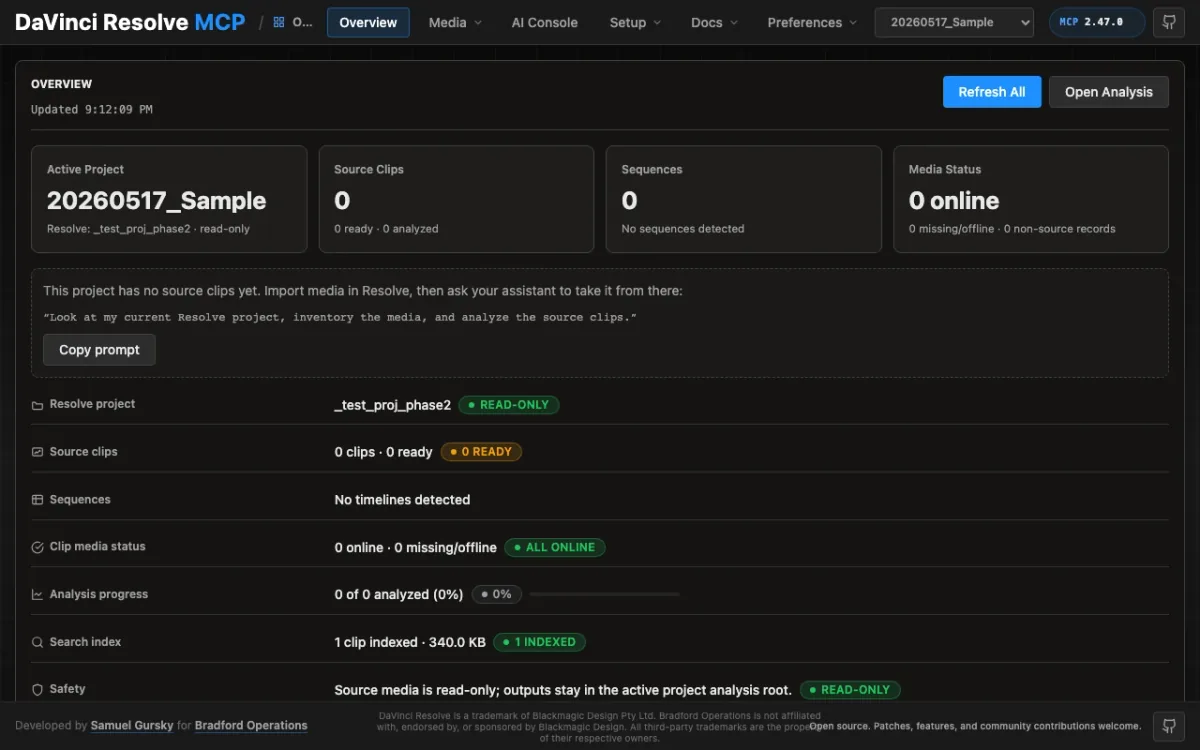
An MCP server that lets AI assistants help DaVinci Resolve users edit and manage media.
- Ecosystem
- Other
- Skill category
- Media
- Creator / organization
- Samuel Gursky(GitHub @samuelgursky)
What it is
Samuel Gursky's davinci-resolve-mcp is a Model Context Protocol (MCP) server that lets AI assistants operate DaVinci Resolve Studio through its official scripting API. It supports editing, media management, rendering and color work on macOS, Windows and Linux. An optional server can read and edit Resolve project files while Resolve is not running.
Highlights:
- Use an AI assistant to work with Resolve's editing and media management functions.
- Analyze source media and write summaries and markers to a project.
- Use the optional advanced server to read and edit project files without running Resolve.
How to use:
- First, prepare DaVinci Resolve and Python.
- Then run `npx davinci-resolve-mcp setup`.
- If you use Studio, set External scripting using to Local in its preferences.
Who it's for:
People who want an AI assistant to help with editing and media management in DaVinci Resolve.
Before you start:
DaVinci Resolve 18.5 or later and Python 3.10 or later are required. Studio supports external scripting directly; the free edition needs an in-app bridge, which the author recommends treating as a 21.0.x path. Analysis tools read source media and, by default, save reports, ask the chat client to read video frames, and write summaries and markers to the project. These behaviors can be turned off. Copying grades can overwrite existing target grades irreversibly. The installer and server check GitHub for updates, and local logs record incoming free-text requests. Pricing is not specified. The code uses the MIT license; model weights have separate licenses to check before commercial use. If you use these features, weigh the safety risks yourself. AI Inspiration World is not responsible for any consequences.
Based on the project's public documentation. Not tested by AI Inspiration World.