
 AI Inspiration World
Added Nov 12, 2026
browse
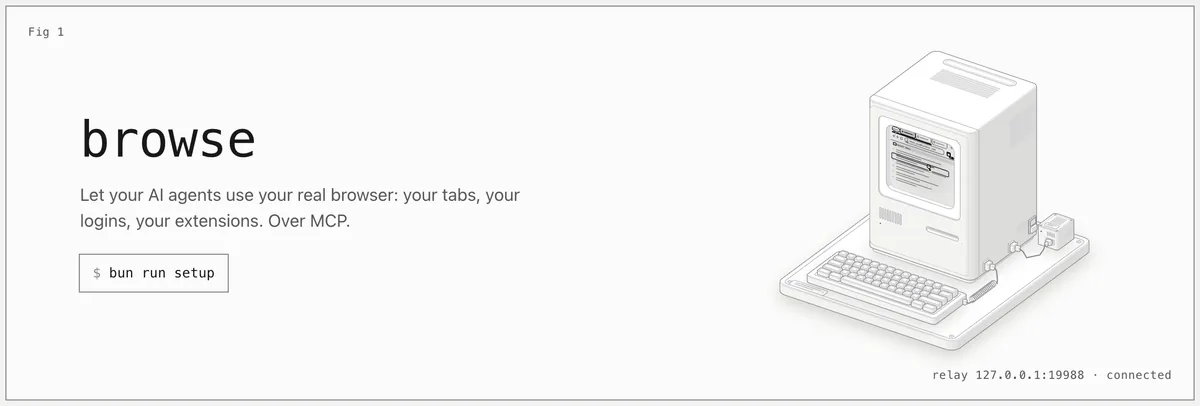
An MCP server and Chromium extension that lets AI agents work in your real, signed-in browser.
- Ecosystem
- Other
- Skill category
- Automation
- Creator / organization
- anomalyco(GitHub anomalyco)
What it is
browse is published on GitHub by anomalyco. It is an MCP server plus a Chromium extension that lets AI agents use your real browser on your own computer, including your open tabs, your logins and your extensions. It works with opencode and other MCP clients. Agents open and drive pages in background tabs with Playwright, take screenshots, capture network traffic and record the screen. When a login, a 2FA prompt or a payment comes up, the agent hands the tab back to you and continues after you click Continue.
Highlights:
- Agents use your own browser, so your tabs, logins and extensions are available to them.
- Agent work stays in background tab groups, out of your way.
- Logins, 2FA prompts and payments are handed back to you to complete.
- Works with Chrome, Edge, Brave, Arc, Helium, Vivaldi, Opera and other Chromium browsers.
How to use:
- First, install it. On macOS or Linux run `curl -fsSL https://opencode.ai/browse/install | bash`. On Windows run `irm https://opencode.ai/browse/install.ps1 | iex` in PowerShell. You can also run `npx @opencode/browse install`.
- Then follow the installer to add the browser extension from the Chrome Web Store.
- Finally, ask an agent in opencode or another MCP client to work on web pages, and click Continue when it hands a tab back.
Who it's for:
People who want an AI agent to look things up and act on web pages in their already signed-in browser.
Before you start:
- You need a Chromium-based browser and opencode or another MCP client. Installing with npx needs Node.js 22.19 or newer.
- It can operate your signed-in browser: agents can act in your logged-in tabs, take screenshots, capture network traffic and record the screen. The extension asks for the permissions debugger, tabs, tabGroups, storage, alarms, offscreen, tabCapture, scripting, webNavigation and notifications, plus access to all sites.
- The page says nothing leaves your computer except what the agent sends to its model provider. The project checks for updates and installs them automatically, and this can be turned off.
- The page does not state a price.
- License: MIT.
- If you use these features, weigh the safety risks yourself. AI Inspiration World is not responsible for any consequences.
Based on the project's public documentation. Not tested by AI Inspiration World.