
 AI Inspiration World
Added Nov 27, 2026
Advanced Unity MCP
Connect Unity Editor to an AI assistant so game developers can manage scenes and assets using natural language.
- Ecosystem
- Other
- Skill category
- Coding
- Creator / organization
- Code Maestro(GitHub @codemaestroai)
What it is
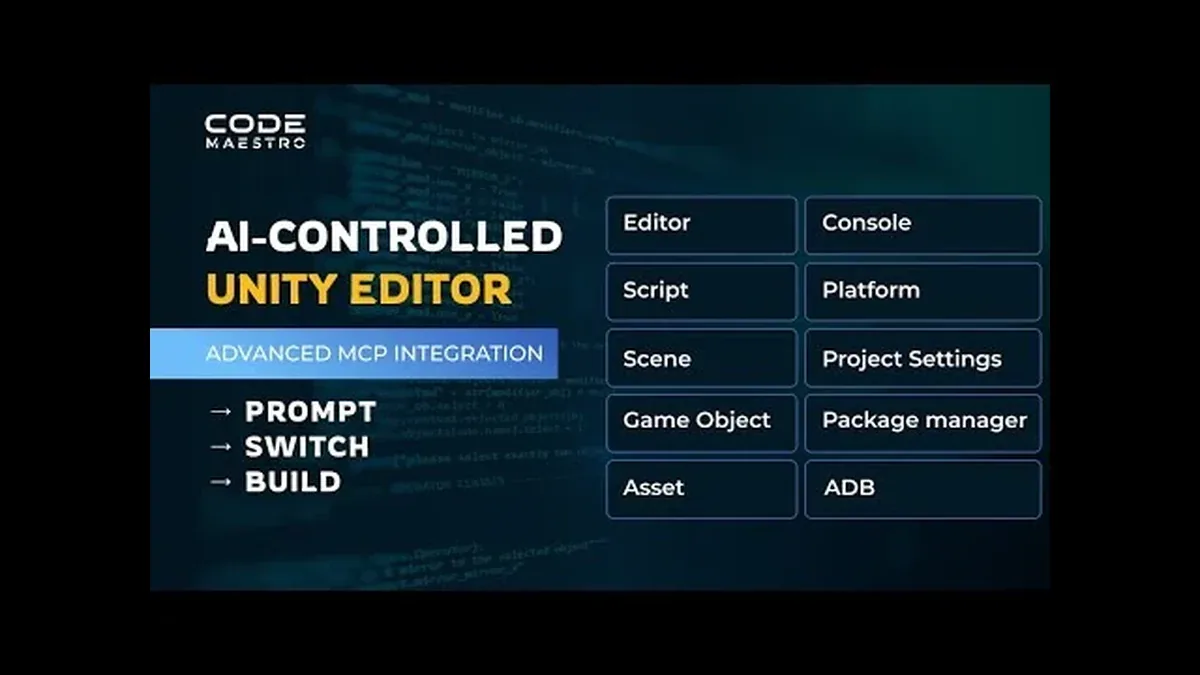
Advanced Unity MCP is a tool from Code Maestro that connects Unity Editor to AI assistants through the Model Context Protocol (MCP). It lets an assistant follow natural-language instructions to operate the editor, manage assets and scenes, build projects, and analyze performance. It supports multiple MCP clients.
Highlights:
- Create, modify, or delete materials, prefabs, and scripts, and manage scenes and GameObjects.
- Connect clients including Cursor, Windsurf, and Claude Desktop.
- Read or clear Unity console messages and analyze performance.
How to use:
- First, select Add package from git URL in Unity Package Manager and choose the address for your version from the repository instructions.
- Next, open Code Maestro > MCP Dashboard and select a connection mode. If using another client, configure it as described on the project page.
- Finally, tell the connected AI assistant what you want to do in Unity.
Who it's for:
Game developers who want to operate Unity Editor with an AI assistant.
Before you start:
- The repository lists Unity 2022+ as a requirement. Other clients communicate through a local TCP port and an automatically installed background Relay Server.
- The tool can modify or delete project assets and read or clear console messages. Check the scope of operations before using it.
- The license permits personal or internal business use, prohibits modification and reverse engineering, and restricts redistribution without written permission. See the license for the full terms.
- The license says that using the tool indicates consent to analytics tools and cookies for diagnostic, usage, and performance tracking. It does not specify the data collected.
- The tool is free to use. If you use these features, weigh the safety risks yourself. AI Inspiration World is not responsible for any consequences.
Based on the project's public documentation. Not tested by AI Inspiration World.