
 AI Inspiration World
Ink-Wash PPT Content Prompt with a Reference Image for Style
An ink-wash PPT prompt that uses a reference image to lock the style, so the content prompt can stay short.
- Author
- dotey ↗ (@dotey)
- Models / tools
- Manus
- License
- 未声明 · Excerpt
- Original language
- zh
- Purpose
- Images
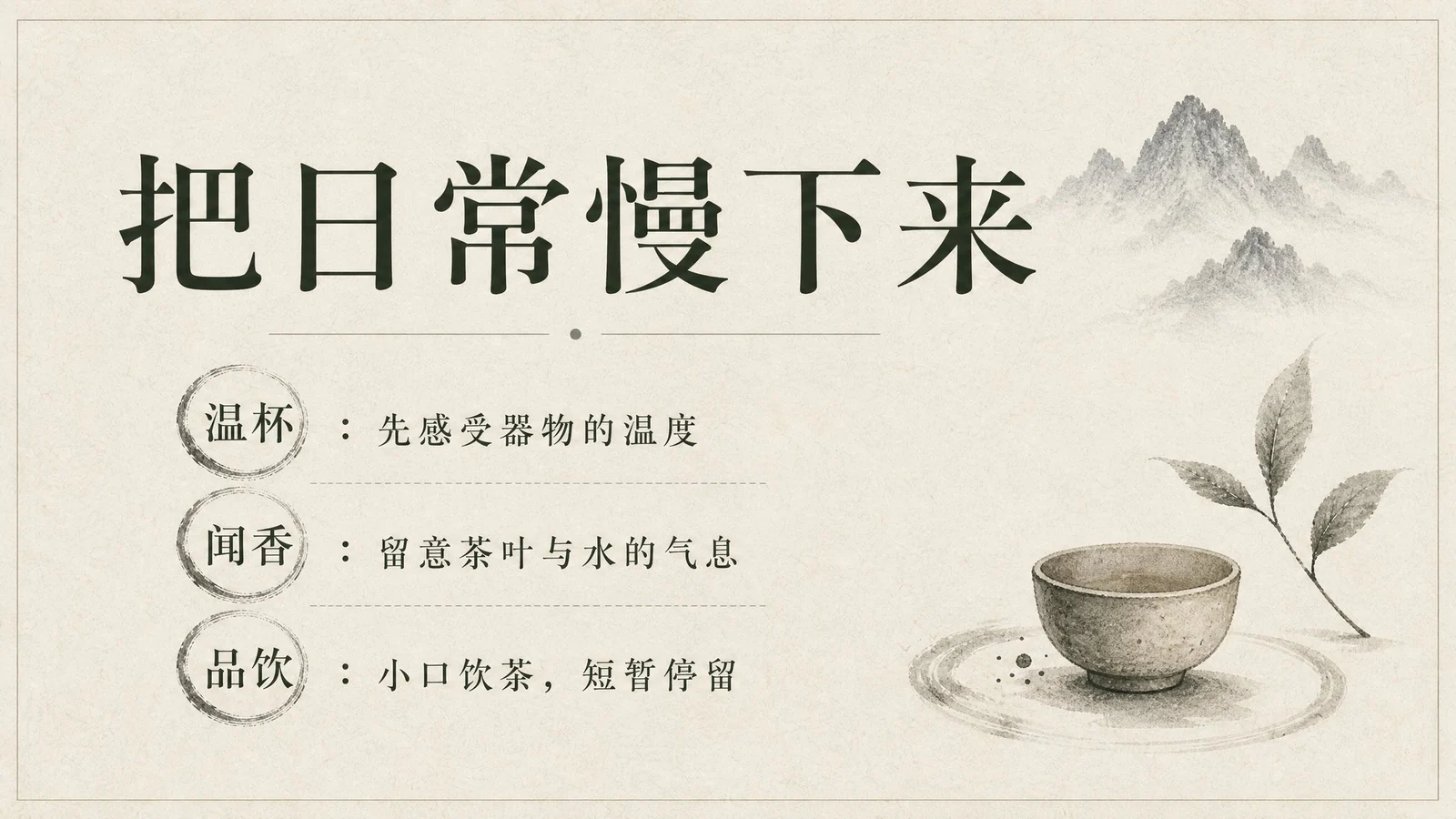
图2 content_prompt :
> 标题‘茶与慢生活’,副标题‘留一点时间,给一杯茶’。设计需遵循参考图中的风格:安静、内敛、侘寂,使用水墨极简风格和水墨留白,背景为宣纸纹理。文字应居中、清晰。
Read the full prompt in the author’s original post ↗
Only an excerpt is shown here; full-text republication permission has not been verified.
Attribution required — keep the author’s name and original source when reusing this prompt. Author: dotey | Original source ↗
How to use it
Models / tools: Manus
- First, prepare an ink-wash reference image to serve as the style reference for the first slide.
- Then replace the title and content in the content prompt with your own topic, and give it to a tool that accepts a reference image together with the image.
- Finally, hand the full English template prompt to an image model to generate each slide.
What it can do
The author @dotey found while testing Manus that giving a reference image works better than describing the style in words. The image can carry colors, font samples, rice paper fibers, ink edges, water marks, distant mountains, seals and whitespace rules. The post gives two content prompts on the theme of tea and slow living, plus a full English slide template.
Who it is for
People who want ink-wash minimalist slides without writing long style descriptions.
Before you use it
- You need a reference image of your own. The one in the post is the author's example. - The post does not state any cost or supported platforms. - The author did not state a license, so the content belongs to the original author.
Follow the stated license. Do not use the output to replicate someone else’s work or a real person’s likeness.
Based on the author's public posts. Not tested by AI Inspiration World.