
 AI Inspiration World
Art-directed System 3D Interface Button
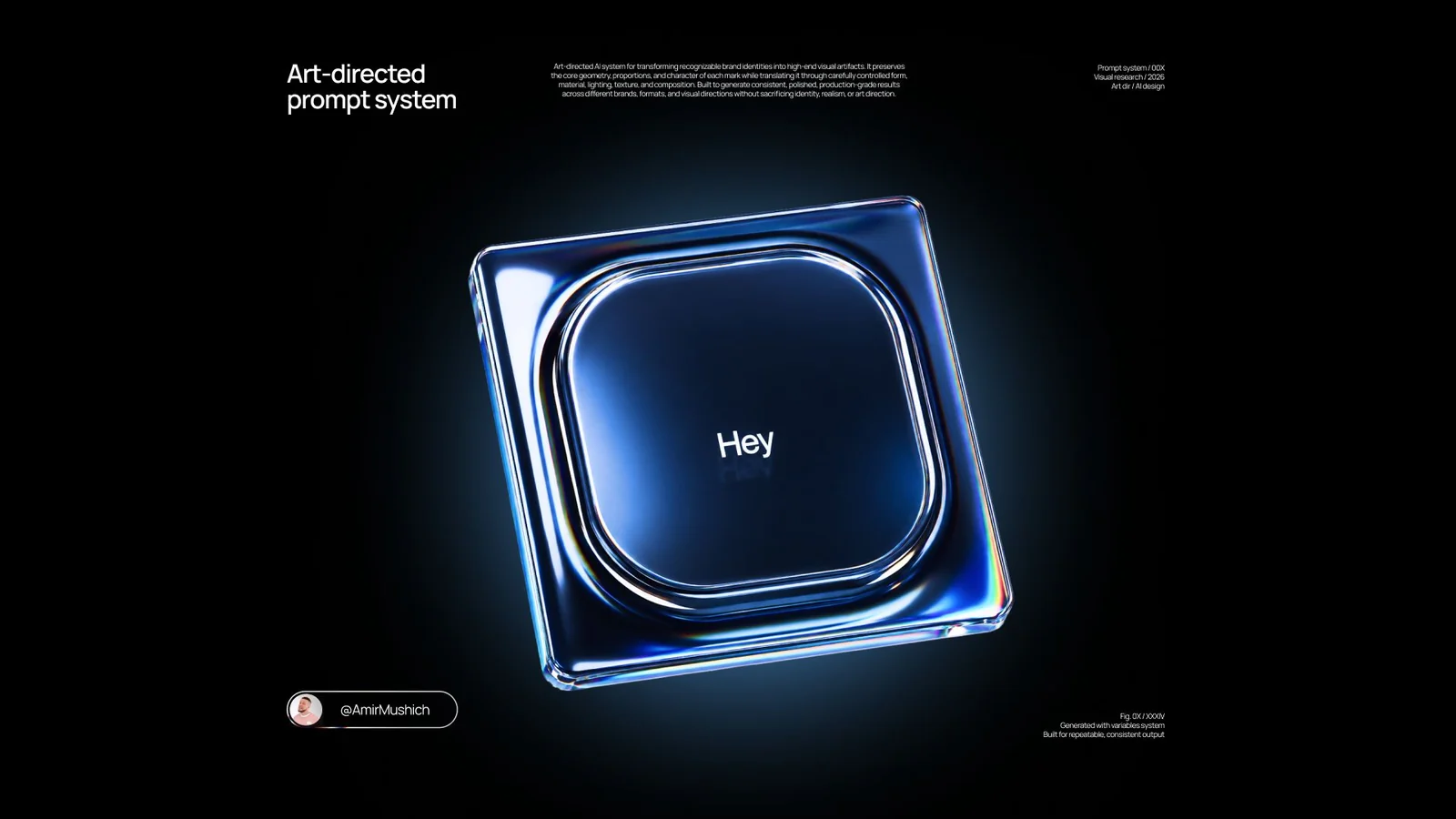
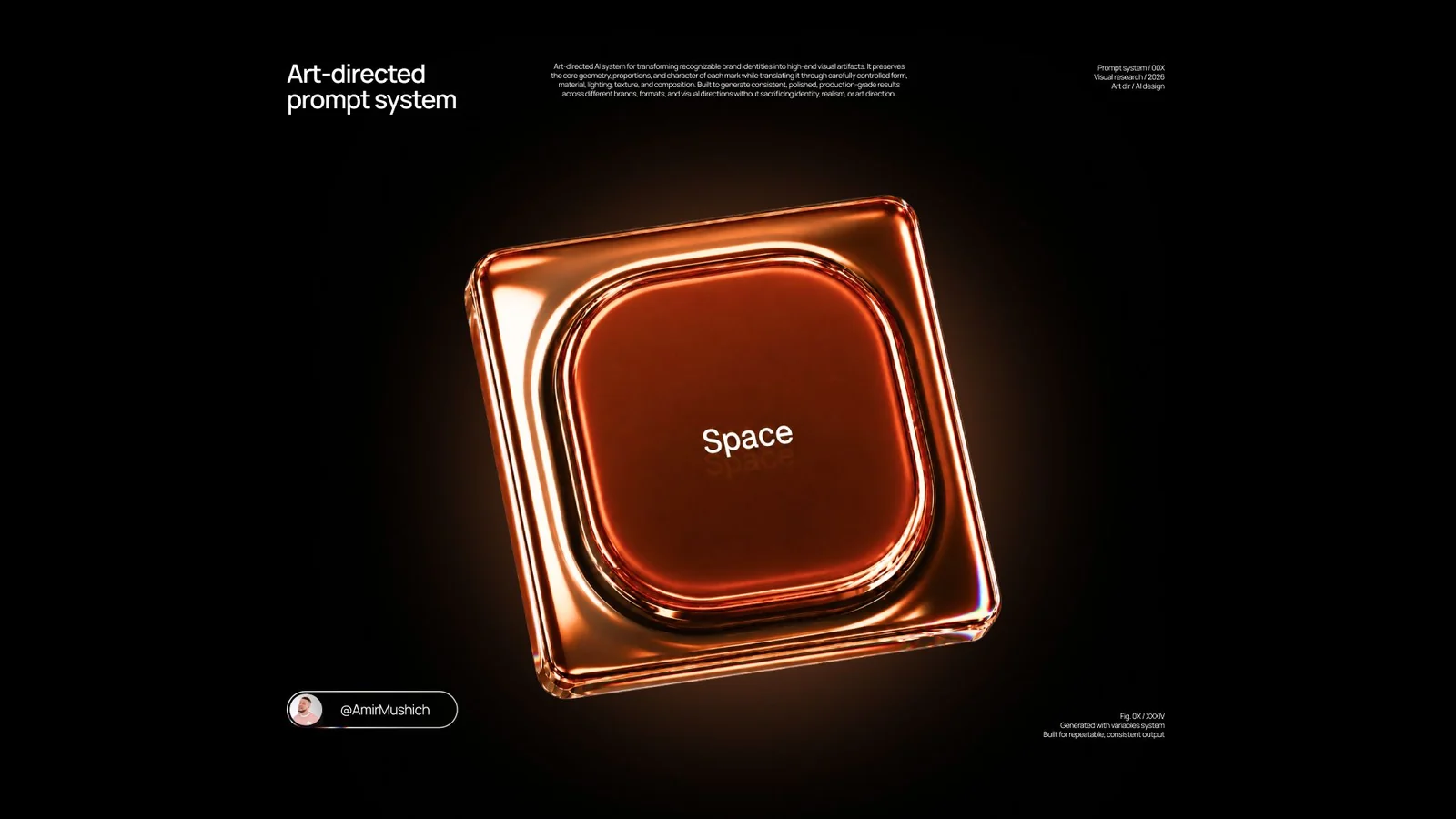
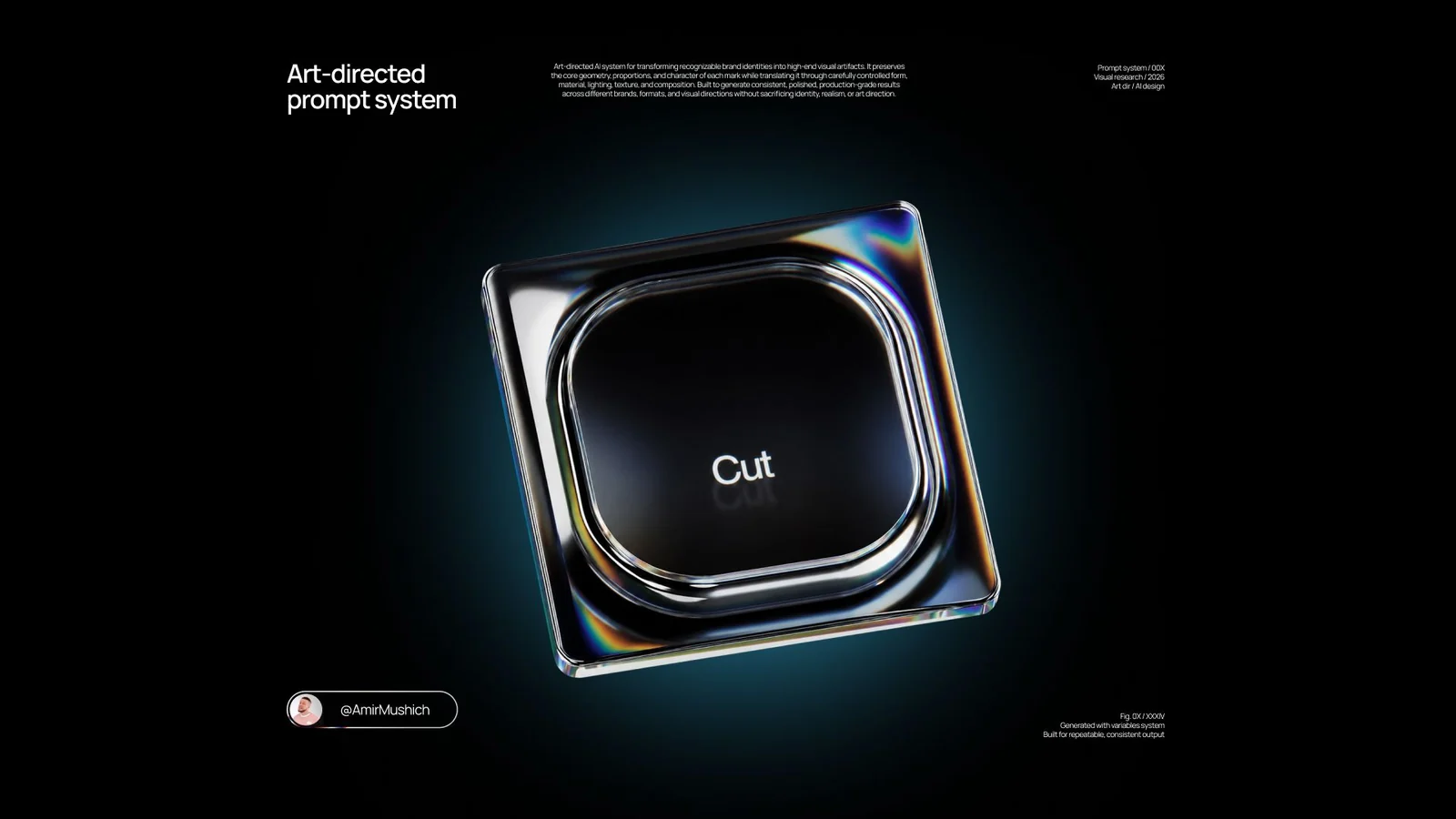
A fill-in prompt that makes one centered optical-glass 3D interface button, for UI and brand designers.
- Author
- AmirMušić ↗ (@AmirMushich)
- Models / tools
- Works with multiple models and tools
- License
- 未声明 · Excerpt
- Original language
- en
- Purpose
- Images
Create a single centered 3D interface button using a precision optical-glass and liquid-reflection product-CGI system.Read the full prompt in the author’s original post ↗
Only an excerpt is shown here; full-text republication permission has not been verified.
Attribution required — keep the author’s name and original source when reusing this prompt. Author: AmirMušić | Original source ↗
How to use it
Models / tools: Works with multiple models and tools
- First replace the button text, button color and background color in the square brackets at the top with your own.
- Then give the whole prompt to an image model.
What it can do
This is an image prompt with three blanks that generates one centered 3D interface button. The button has an optical-glass, liquid-reflection product-render look, with a fixed camera angle and rotation so repeated generations keep the same style. The three blanks are the button text, the button color and the background color.
Who it is for
UI designers and brand designers who want button images in one consistent style.
Before you use it
- The author does not say which image model to use. - The author does not state a license; the content belongs to the original author.
Follow the stated license. Do not use the output to replicate someone else’s work or a real person’s likeness.
Based on the author's public posts. Not tested by AI Inspiration World.