
 AI Inspiration World
More images
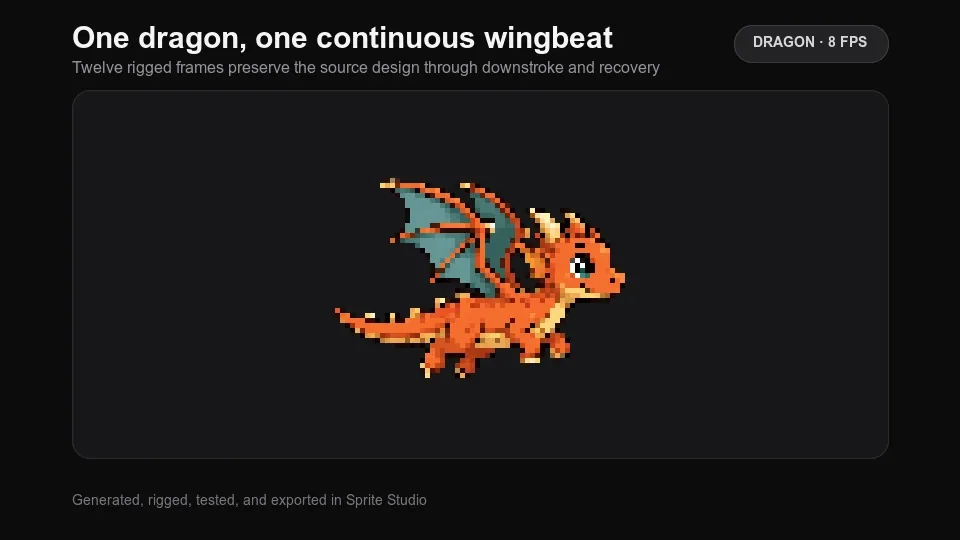
Screenshot from the project's website. All rights belong to the original creator. Contact us if you would like it removed.
What it is
Sprite Studio is a local-first desktop workbench by John Kinyanjui for macOS, Windows, and Linux. Describe a game asset in chat, add references, then inspect and export an animation as a sprite sheet. Its AI animation mode plans motion and generates frames using the source asset and neighboring frames. The default rig-based animation is rendered by the app itself.
Highlights:
- Inspect assets at pixel scale and test animation loops.
- Export a PNG sprite sheet with metadata.
- Keep project conversations and asset versions in the local workspace.
How to use:
- First, install the desktop app and a supported agent CLI.
- Next, describe an asset in chat, optionally add references, and create an animation.
- Finally, inspect the loop and export the sprite sheet.
Who it's for:
For creators making 2D game assets and animations.
Before you start:
- Live agent chat requires Codex CLI, Cursor CLI, or Antigravity CLI; the associated service may require login or authentication.
- Ask AI sends the sprite to your agent CLI. The project does not explain how the CLI subsequently handles the data.
- Overall pricing is not specified. The project uses the MIT license.
Based on the project's public documentation. Not tested by AI Inspiration World.