
 AI Inspiration World
More images
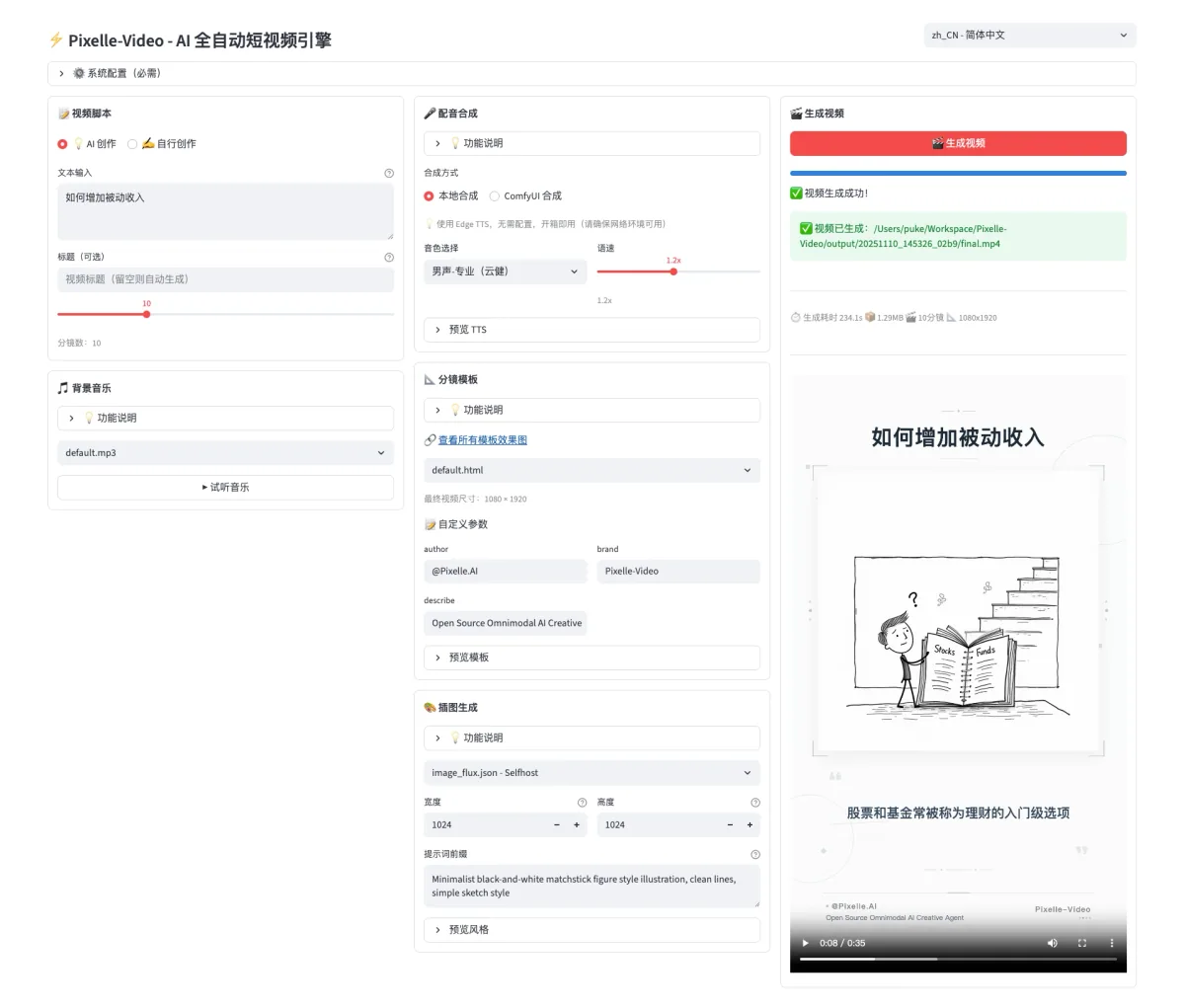
Screenshot from the project's website. All rights belong to the original creator. Contact us if you would like it removed.
What it is
Pixelle-Video is a fully automatic AI short-video engine. You enter one topic, and it writes the video script, generates AI images or video clips, synthesizes the voiceover, adds background music, and assembles the finished video. The page says no editing experience is needed. You use it through a Web interface in your browser. AI writes the script, generates images and video, and synthesizes speech. It works with many models: GPT, Qwen, DeepSeek and Ollama for scripts, and ComfyUI or RunningHub workflows, or direct calls to DashScope, OpenAI, Seedream, Seedance and Kling, for images and video. It supports Windows, macOS and Linux.
Highlights:
- Enter one topic and get script, visuals, voiceover, music and final assembly done automatically
- Supports AI video generation models such as WAN 2.1 for dynamic video
- Script writing works with GPT, Qwen, DeepSeek, Ollama and more
- You can upload your own photos and videos as material
How to use:
- First, install it. On Windows, download the one-click package, unzip it and double-click start.bat. On macOS and Linux, install uv and ffmpeg, then install from source
- Next, set up the script model and the image generation service in the system settings
- Finally, open the Web interface in your browser, enter a topic and wait for the video. The source launch command is `uv run streamlit run web/app.py`
Who it's for:
People who want to make short videos but have no editing experience.
Before you start:
- Installing from source requires uv and ffmpeg
- You need to set up your own API keys for the script model and the image and video models. When you use cloud models, your content is sent to those providers
- The setup with local Ollama plus local ComfyUI can run for free. Cloud models charge API fees that you pay yourself
- A debug option prints model request parameters, which shows the prompt, model name and input file paths in the terminal
- License: Apache-2.0
Based on the project's public documentation. Not tested by AI Inspiration World.