
 AI Inspiration World
What it is
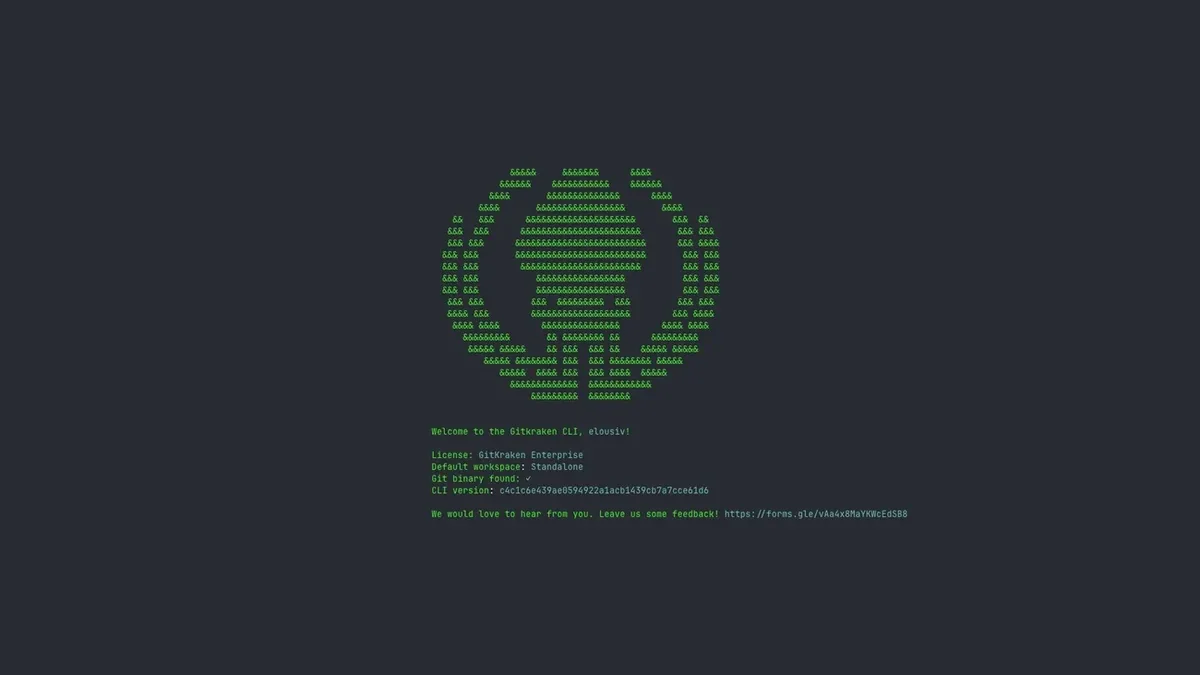
GitKraken CLI is a command-line tool from GitKraken for macOS, Windows and Unix. It organizes tasks around Work Items, supports working across multiple repositories, and uses AI to generate commit messages and pull requests. It also provides a local MCP server that gives large language models access to related tools.
Highlights:
- Organize features or issues as Work Items and work across multiple repositories.
- Pass through Git commands and generate commit messages and pull requests with AI.
- Use a local MCP server that wraps Git, GitHub and Jira actions.
How to use:
- First, choose an installation method for your system, such as `brew install gitkraken-cli` on macOS or `winget install gitkraken.cli` on Windows.
- Then use gk in your terminal. To connect to the GitKraken platform, you can sign in with `gk auth login`.
Who it's for:
Developers who want to manage multiple Git repositories from the command line and use AI for commit messages.
Before you start:
Install the command-line tool. Connecting to the platform involves account authentication and provider tokens. Workflows can operate on local Git repositories, push changes and create pull requests. The page does not specify what data the AI features upload. Check the official site for pricing and the repository for license terms; documentation is licensed under CC BY 3.0 US.
Based on the project's public documentation. Not tested by AI Inspiration World.