
 AI Inspiration World
What it is
Desktop Commander MCP is an MCP server from wonderwhy-er and the Desktop Commander Team. It lets compatible clients such as Claude operate files and the terminal through the Model Context Protocol (MCP). Remote MCP also connects it to ChatGPT and Claude web. It supports macOS, Linux, and Windows.
Highlights:
- Search, edit, and manage files, including reading and processing Excel, PDF, and DOCX files.
- Run long-running terminal commands and manage processes.
- Use it with compatible MCP clients such as Claude Desktop, Cursor, and VS Code.
How to use:
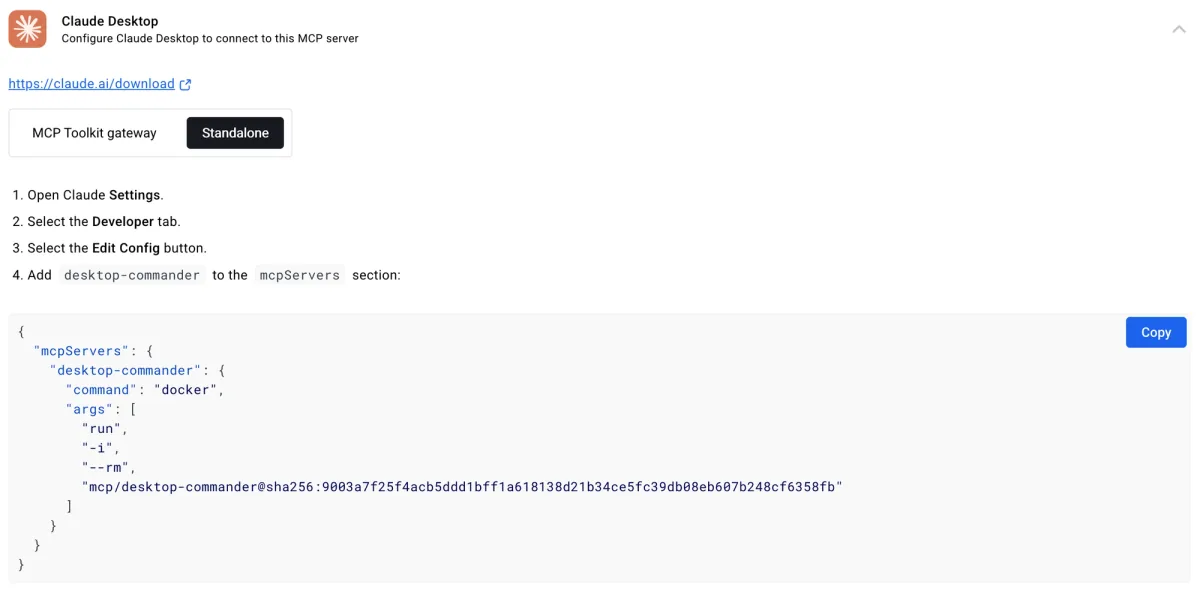
- First install Node.js, then run `npx @wonderwhy-er/desktop-commander@latest setup` for Claude Desktop.
- For a remote connection, run `npx @wonderwhy-er/desktop-commander@latest remote` and complete browser authentication on first use.
Who it's for:
For people who want to work with files and the terminal through a compatible MCP AI client.
Before you start:
Commands run with your local user permissions, and the tool can read and modify files and access URLs. Directory restrictions do not restrict terminal commands, and safeguards may be bypassed; they are not a sandbox. Tool arguments are stored locally without redaction and may include commands, paths, or sensitive values. The remote service temporarily stores tool arguments and results. The project says it collects limited pseudonymous telemetry, which can be disabled. The tool is free and open source under the MIT license; check the client's official information for its fees. If you use these features, weigh the safety risks yourself. AI Inspiration World is not responsible for any consequences.
Based on the project's public documentation. Not tested by AI Inspiration World.