
 AI Inspiration World
What it is
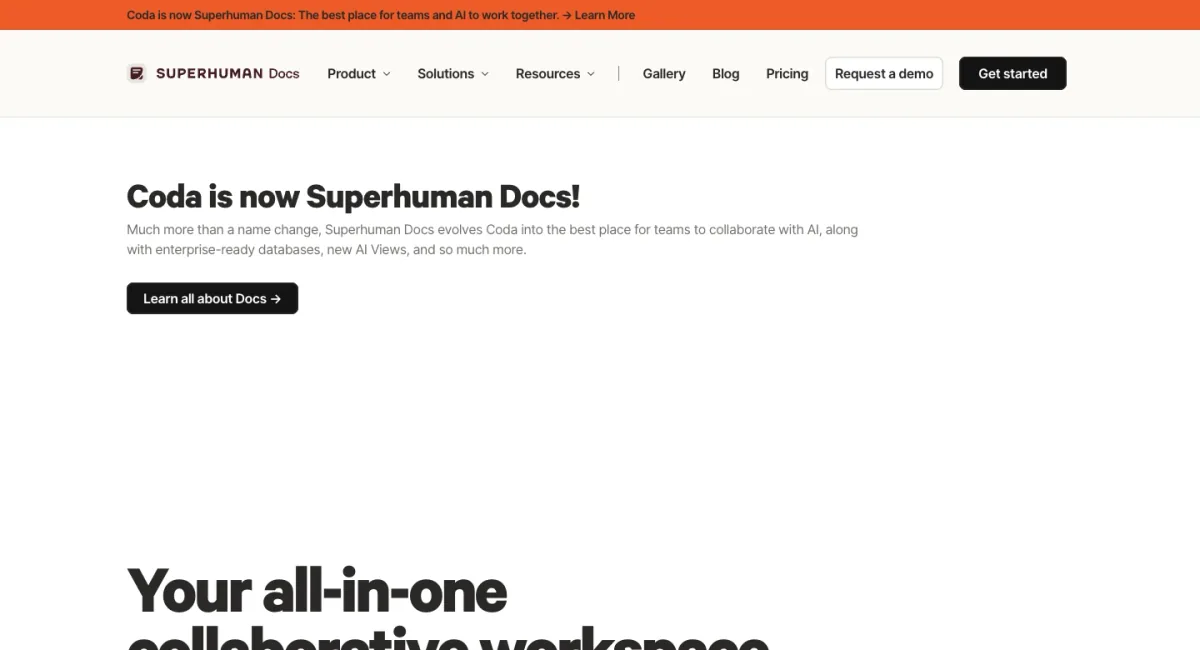
Coda is an all-in-one collaborative workspace that combines docs, spreadsheets, apps, and AI. The website says Coda is now Superhuman Docs. Teams can use it to write documents, build trackers, and make small apps. Coda AI is the assistant inside it. It can start from scratch, summarize, and generate tables, and you can chat with it to brainstorm, create content, or ask questions. The site also says it can turn data into insights and tedious tasks into auto-generated content. It lists more than 600 integrations, such as Google Calendar, Slack, Figma, and Jira.
Highlights:
- Docs, tables, apps, and AI in one space
- Coda AI can summarize, generate tables, and brainstorm through conversation
- The site lists 600+ integrations, including Slack, Figma, and Jira
- The site says it does not charge per seat; specific prices are not given on the page
How to use:
1. First, open the website and choose Get started for free, or use the Android or iOS app. 2. Then create a doc or table and ask Coda AI to draft, summarize, or generate tables. 3. Finally, share the result with your team and connect tools such as Slack if needed.
Who it's for:
Teams that want to write docs, build tables, and have AI help organize content in one place.
Before you start:
- The web version works directly; the site links to Android and iOS apps, and other platforms are not stated
- The site does not say what data is read or what permissions are needed, or how data flows when you connect third-party integrations
- The site offers a free start; check the website for costs
- License: see the website
Based on the official website's public information. Not tested by AI Inspiration World.