
 AI Inspiration World
More images
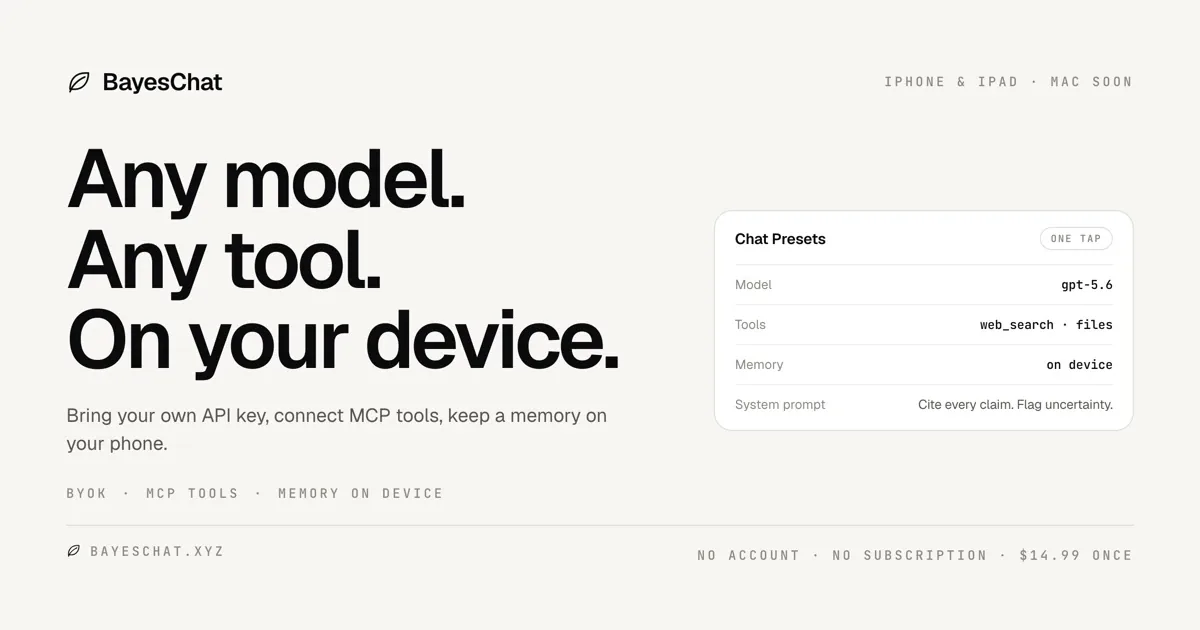
Screenshot from the project's website. All rights belong to the original creator. Contact us if you would like it removed.
What it is
BayesChat is an AI chat client for iPhone and iPad. Users bring their own API keys to connect model providers, including local models. It also offers MCP tools that let the assistant use capabilities such as web search and fetch.
Highlights:
- Connect models through OpenAI- or Anthropic-compatible APIs.
- Pro includes chat presets, on-device memory, and MCP tools.
- Memories are stored on the device and sent to the configured provider as part of a request.
How to use:
- First, download the app from the App Store.
- Next, add a provider, paste your API key, and choose a model.
- Finally, send a message. For a local model such as Ollama, set a custom base URL and select Verify.
Who it's for:
For iPhone and iPad users who want to chat using their own model providers and try tool calls.
Before you start:
You need your own API key and pay the model provider directly. API keys are stored in Apple Keychain; when MCP servers are enabled, the assistant can call external tools such as web search and fetch. The app offers a free version and a one-time Pro purchase; check the official website for current terms. The website does not specify a license. If you use these features, weigh the safety risks yourself. AI Inspiration World is not responsible for any consequences.
Based on the official website's public information. Not tested by AI Inspiration World.